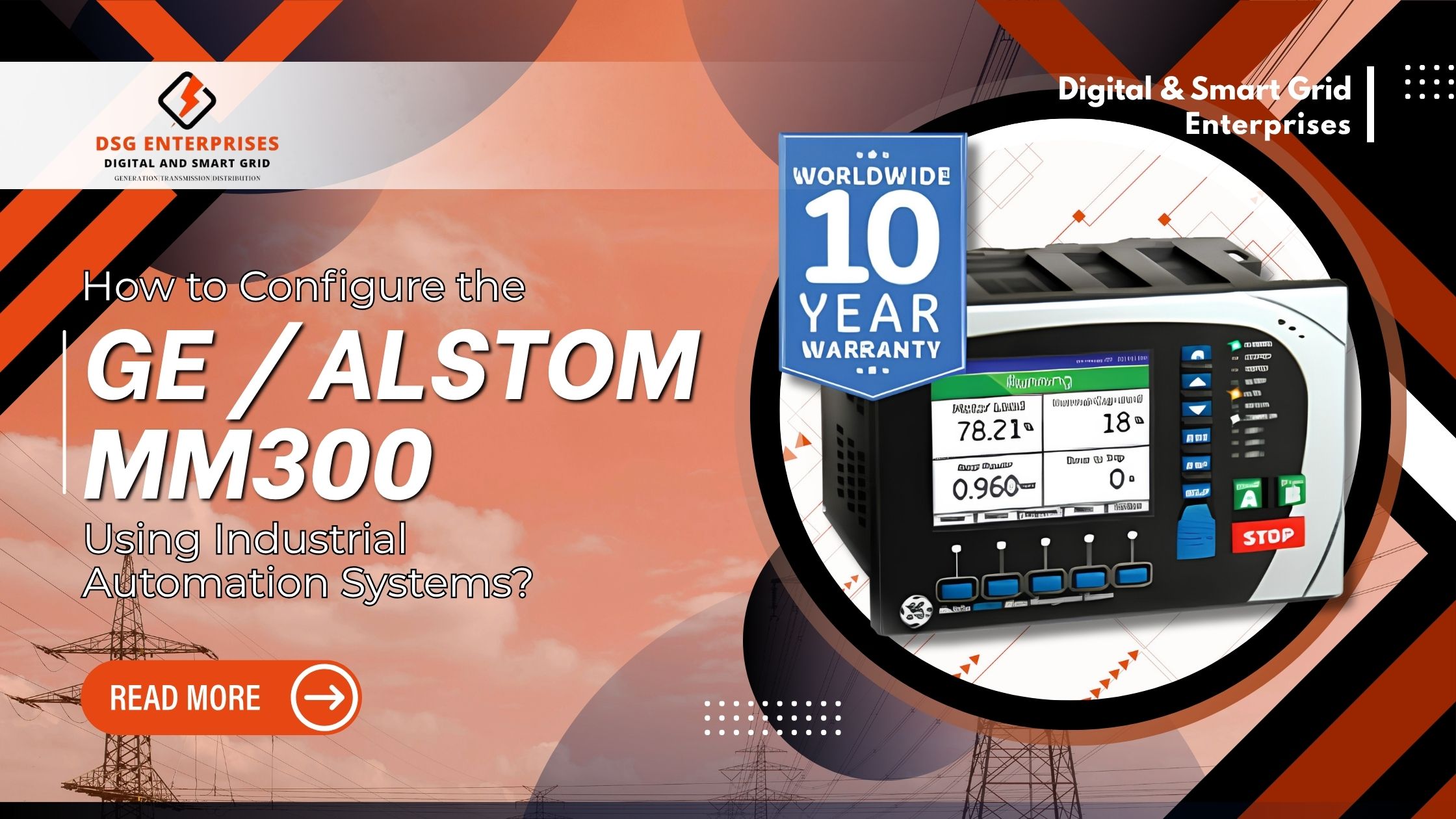
Did you know that motor failures account for nearly 38% of all industrial electrical downtime? Proper relay configuration is one of the most effective ways to prevent this. The GE Alstom MM300 Relay is a powerful tool in any industrial setup but only when configured correctly.
This blog walks you through how to configure the GE MM300 Motor Protection Relay using industrial automation systems. Whether you are an electrical engineer, a plant manager, or a procurement professional sourcing from MM300 Numerical Relay Suppliers, this guide will give you the clarity you need. However read on to understand every major step from hardware setup to full SCADA integration.
What Is the GE MM300 Motor Protection Relay?
The GE MM300 Numerical Relay is a dedicated motor protection and control device. It protects medium-voltage motors from faults, overloads, and abnormal operating conditions. Furthermore, it integrates seamlessly with industrial automation platforms, making it suitable for modern smart plant environments.
This relay is designed to handle the complex demands of industrial motors. Hence it combines protection, control, and monitoring into a single compact unit. As a result, it reduces panel space and simplifies wiring in motor control centers (MCCs).
Key features of the relay include:
- Thermal overload protection; phase loss detection; locked rotor protection
- Built-in communication ports for SCADA and PLC integration
- Flexible setpoint configuration for various motor ratings and load types
- Programmable outputs for alarms, trip functions, and control sequences
- Event logging and fault diagnostics for post-incident analysis and maintenance planning
- Support for multiple protection curves Class 5 through Class 30 thermal models
Understanding the Hardware and Communication Interfaces
Before you configure the GE Alstom MM300 Relay, you must understand its hardware layout. Hence the relay includes a front panel keypad; a backlit LCD display; and rear terminal blocks for current, voltage, and control inputs. Understanding these physical connections saves time during installation and avoids wiring errors.
The rear terminal block connects to current transformers, voltage transformers, digital inputs, and output relays. Therefore each terminal is clearly labeled in the relay’s instruction manual. Consequently, even field technicians unfamiliar with the device can follow the wiring diagram without confusion.
Communication interfaces available on this relay are:
- RS-485 serial port supports Modbus RTU protocol; ideal for older SCADA systems and legacy PLCs
- USB port used for local laptop-based configuration using Ener Vista software
- Digital inputs accept dry contact signals from pushbuttons, limit switches, and PLC outputs
- Digital outputs drive contactors, indicators, and PLC digital inputs for alarm and trip signaling
Step-by-Step Configuration Using EnerVista MM300 Setup Software
Configuring the GE MM300 Numerical Relay begins with installing Ener Vista software on your engineering laptop. As a result connect the relay through the front USB port, and the software will automatically detect the device and display its settings.
Before making any changes, save a backup of the existing settings file to ensure easy recovery if required.
Step 1: Configure Motor Nameplate Data
- Enter the motor full-load current (FLA) rating
- Input rated voltage, frequency, and service factor
- Configure the correct CT primary and secondary ratios
Step 2: Set Protection Parameters
- Configure thermal overload pickup and thermal model class
- Set the cooling time constant based on motor characteristics
- Enable phase unbalance protection and define the threshold
- Configure ground fault protection sensitivity
- Enable locked rotor protection using the motor’s safe stall time
Step 3: Configure Communication Settings
- Assign a unique Modbus slave address
- Set the baud rate to match the SCADA network
- Configure the required parity setting
- For Ethernet communication, assign IP address, subnet mask, and gateway
Step 4: Program Outputs and Alarms
- Assign trip functions to relay output contacts
- Configure alarm outputs for pre-trip warnings
- Set front-panel LED indications for alarms and faults
- Define auxiliary output logic for functions such as fan control, damper operation, or remote reset signals
Integrating the MM300 with PLC and SCADA Systems
Industrial automation requires the GE Alstom MM300 Relay to communicate with PLCs and SCADA systems. Hence this integration enables centralized monitoring, remote control, and real-time data acquisition across the plant. Without it, the relay operates independently and cannot deliver its full capabilities.
A properly integrated relay provides operators with real-time visibility into motor health, including thermal capacity, current imbalance, and fault history. In addition, SCADA-based alarms improve response times during abnormal conditions.
Best practices for relay integration:
- Connect the relay’s RS-485 port to a PLC Modbus master using shielded twisted-pair cable
- Use the GE Modbus memory map to assign relay registers to PLC tags
- Monitor motor current, thermal capacity, fault status, and trip counts through regular polling
- Create SCADA tags for key Modbus registers in platforms such as Wonderware, FactoryTalk, or Ignition
- Configure alarm thresholds in SCADA to match relay protection settings
- Transfer timestamped fault events from the relay event log to the historian database for analysis and reporting
Testing and Commissioning the Configured Relay
After configuration, thorough testing is essential before energizing the motor. It verifies that the GE MM300 Motor Protection Relay operates correctly during actual fault conditions and prevents nuisance tripping or protection failures.
Skipping commissioning tests can lead to undetected faults, incorrect relay operation, or unexpected plant shutdowns. Therefore, sufficient time should always be allocated for testing and verification.
Commissioning Checklist
- Verify CT polarity and wiring using a relay test set such as Omicron CMC or Doble F6150
- Test overload protection by injecting 110% FLA current and confirming trip operation according to the thermal curve
- Verify phase unbalance protection using asymmetrical three-phase current injection
- Test ground fault protection with low-level current injection on the neutral CT input
- Simulate locked-rotor conditions and confirm correct relay response above the stall threshold

Sourcing the MM300 and Understanding Cost Factors
Once you decide to deploy this relay, procurement becomes the next challenge. Therefore reaching out to reliable MM300 Numerical Relay Suppliers ensures you receive genuine GE products with valid firmware licenses. Counterfeit or substandard relays can cause nuisance trips, missed protection events, or complete relay failure.
When evaluating MM300 Numerical Relay Suppliers, always verify their authorization status with GE Grid Solutions. Authorized distributors provide factory warranties, technical support, and access to firmware updates. On the other hand, unauthorized resellers may offer lower prices but carry hidden risks.
Key points when comparing suppliers and pricing:
- Always request the exact part number for example, MM300-HIAE-H1 to confirm the correct hardware variant
- The GE MM300 Relay Price varies based on I/O count; communication module options; and firmware feature sets
- Basic models with RS-485 only are more cost-effective; however, advanced Ethernet models carry a higher price
- The GE MM300 Relay Price in your region also depends on local import duties, freight charges, and distributor margins
- Request a certificate of authenticity and confirmation of firmware version before accepting delivery
- Compare formal quotations from at least three MM300 Numerical Relay Suppliers before finalizing your purchase order
Conclusion
The GE Alstom MM300 Relay is a highly capable motor protection relay that delivers consistent, reliable performance across demanding industrial environments. When configured correctly using Ener Vista software and integrated with PLCs and SCADA systems, it provides centralized motor protection, real-time monitoring, and fast fault response. Hence from setting nameplate parameters to commissioning every protection function, each step plays a vital role in plant safety and operational continuity.
As industrial automation continues to evolve, getting your relay configuration right from day one saves time, money, and critical equipment. Whether you are an engineer commissioning the relay on-site or a procurement professional comparing MM300 Numerical Relay Suppliers and evaluating the GE MM300 Relay Price, always invest in the right guidance, genuine products, and authorized support your motors and your operations truly depend on it.
At Digital & Smart Grid Enterprises, we provide expert support for the GE MM300 Relay, helping industries achieve efficient motor protection, seamless integration, and reliable operation through advanced industrial automation systems. Our technical team assists with relay selection, configuration, commissioning, and ongoing support to ensure optimal performance. Click here to inquire about the latest GE Alstom MM300 Relay price or discuss your relay configuration and automation requirements. Contact us at +91 7021624024 or email info@dsgeneterprises.in .Simplify relay configuration and maximize system reliability with expert guidance. Connect with our specialists today.