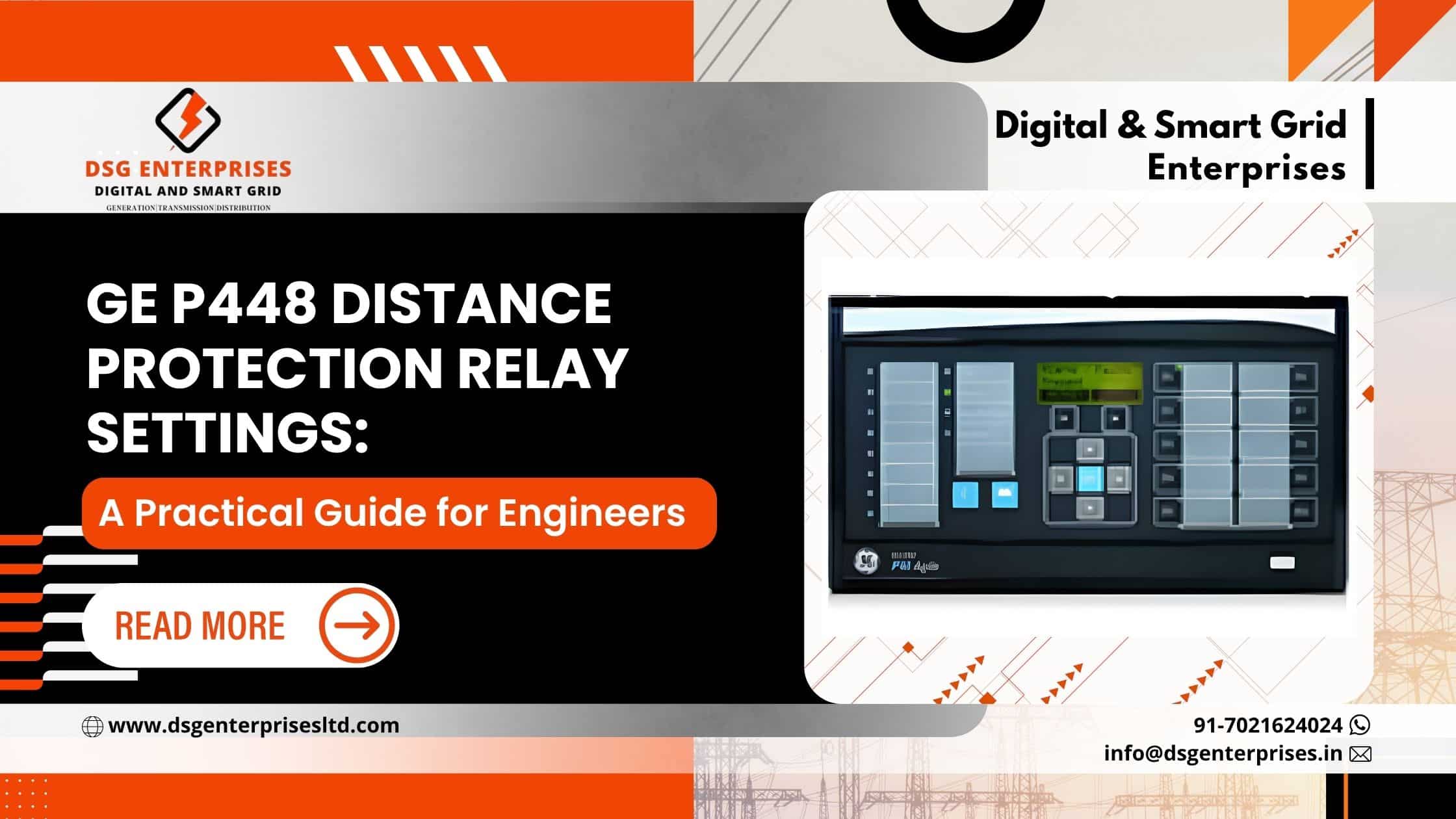
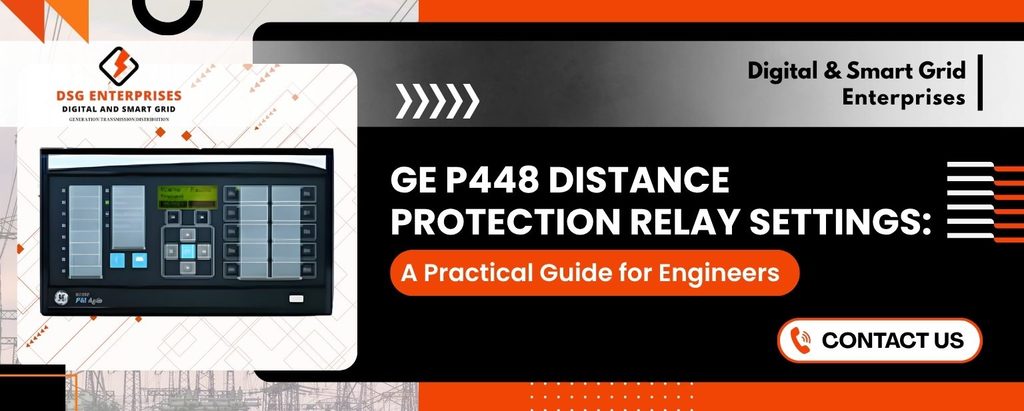
Transmission lines carry large amounts of power over long distances. When a fault hits, the protection system must act in milliseconds. The GE P448 Distance Protection Relay is built for this job. It is a numerical relay from the Alstom/GE MiCOM family, and engineers trust it for overhead lines and underground cables at high and extra-high voltage levels.
A good relay is only as good as its settings, though. Wrong values can cause a missed trip or an unwanted trip, and both are costly. This guide walks you through the key settings in plain words, so you can set up your relay with confidence.
What Is the GE P448 Distance Protection Relay?
The P448 is a numerical distance relay designed for fast and reliable line protection. It measures voltage and current, calculates impedance, and decides whether a fault sits inside its protected zone.
Here is what makes it popular:
- Fast tripping: The relay clears faults quickly, which protects equipment and keeps the grid stable.
- Multiple protection zones: It supports several distance zones, so you can cover the line and backup areas.
- Flexible schemes: It supports communication-aided schemes such as POTT, PUTT, blocking, and unblocking.
- Advanced features: Power swing blocking, switch-onto-fault, and fault locator functions come built in.
- Rich communication: It supports modern protocols for easy SCADA and substation automation integration.
- Disturbance recording: It stores fault data so you can study events after they happen.
Why Correct Relay Settings Matter
Think of relay settings as the rules your relay follows. If the rules are too tight, the relay may fail to trip for a real fault. If they are too loose, it may trip when nothing is wrong.
Good settings give you:
- Security: The relay does not trip for faults outside its zone.
- Dependability: The relay always trips for faults inside its zone.
- Speed: Faults clear fast, which limits damage.
- Selectivity: Only the faulty section goes offline.
Key GE P448 Distance Relay Settings
1. Basic Configuration
Start with the system data. Enter the CT and VT ratios, nominal frequency, and line impedance values. Then set the residual compensation factor (kZ0), which corrects the impedance measurement during earth faults.
- Line impedance: Enter positive sequence values in primary or secondary ohms. Stay consistent.
- Line angle: Use the actual line angle for accurate reach.
- kZ0 factor: Calculate it from zero and positive sequence impedances. Errors here cause under-reach or over-reach on earth faults.
2. Distance Zone Settings
Zones are the heart of distance protection. Each zone covers a part of the line and has its own reach and time delay.
- Set it to cover about 80% of the protected line. It trips instantly. The gap prevents over-reach caused by measurement errors.
- Set it to cover 100% of the protected line plus about 50% of the shortest adjacent line. Add a time delay of around 300 to 400 ms.
- Use it as remote backup. Cover the protected line plus 100% of the longest adjacent line, with a longer delay (often 800 ms to 1 s).
- Use it for reverse-looking protection or bus backup, based on your scheme.
These values are common starting points. However, always adjust them to match your own network and utility rules.
3. Load Blinder and Load Encroachment
Heavy load can look like a fault to a distance relay, especially on long lines. The load blinder fixes this problem.
- Resistive blinder: Set it so that maximum load stays outside the trip area.
- Load angle: Set the angle based on your expected power factor range.
- Check emergency loading: Test the setting with peak and overload conditions.
4. Power Swing Blocking (PSB)
Power swings happen after major system disturbances. They can mimic faults and trigger unwanted trips. Therefore, the P448 offers power swing blocking and out-of-step tripping.
- Swing detection: Set the impedance rate-of-change thresholds with system studies.
- Block selection: Decide which zones to block. Many utilities block Zones 2 and 3 but leave Zone 1 active.
- Unblock for faults: Enable unblocking if a real fault occurs during a swing.
5. Communication-Aided Schemes
Zone 1 alone leaves about 20% of the line with delayed clearing. A teleprotection scheme solves this by letting both line ends trip fast for any fault on the line.
- POTT (Permissive Overreach Transfer Trip): Popular and reliable. Use Zone 2 as the permissive element.
- PUTT (Permissive Underreach Transfer Trip): Use Zone 1 to send the permissive signal.
- Blocking scheme: Use it where the channel may fail during faults, such as power line carrier.
- Weak infeed and echo logic: Enable these if one end has a weak source.
6. Switch-Onto-Fault (SOTF) and Trip-on-Reclose
When you close a breaker onto a fault, the relay must trip right away. SOTF logic handles this.
- SOTF enable: Activate it after manual closing or auto-reclose.
- Voltage check: Use dead-line detection to confirm the line was de-energized.
- Instant trip zone: Set a wide zone or an overcurrent element for fast clearing.
7. Auto-Reclose and Fault Locator
- Auto-reclose: Set dead times, reclaim times, and the number of shots based on your system rules.
- Fault locator: Enter the correct line length and impedance. As a result, field crews find faults faster.
Common Mistakes to Avoid
Even experienced engineers slip up. Watch for these errors:
- Wrong CT or VT ratio: This shifts every reach calculation.
- Ignoring mutual coupling: Parallel lines affect zero sequence impedance and earth fault reach.
- Skipping infeed effect checks: Remote sources change the impedance the relay sees.
- Weak testing: Do not skip dynamic tests. Static tests alone can miss problems.
- No documentation: Always record the setting basis for future audits.
Testing and Commissioning Tips
Testing proves your settings work. Use a quality relay test set and follow a clear plan.
- Check analog inputs: Verify the relay reads voltage and current correctly.
- Check timing: Measure trip times for every zone.
- Test scheme logic: Simulate send and receive signals for the teleprotection scheme.
- Review disturbance records: Confirm that the relay captures events properly.
Buying Guide: Suppliers and Pricing
Many engineers and project teams also ask where to buy this relay and what it costs. Here is some practical advice.
GE P448 Numerical Relay Suppliers
Choosing a trusted supplier matters as much as choosing the relay. Look for these qualities:
- Authorized status: Buy from GE-authorized distributors or channel partners when possible.
- Genuine products: Ask for original packaging and serial numbers.
- Technical support: A good supplier helps with settings, firmware, and troubleshooting.
- Warranty terms: Check warranty length and return policy before you order.
- Delivery record: Confirm stock availability and lead times, especially for urgent projects.
Reliable GE P448 numerical relay suppliers will gladly share datasheets, manuals, and references from past projects.
GE P448 Protection Relay Price
The GE P448 protection relay price is not fixed. It varies with several factors:
- Model and configuration: Case size, I/O count, and communication options change the cost.
- Software and firmware options: Extra functions can raise the price.
- Condition: New, refurbished, and surplus units sell at very different rates.
- Quantity: Bulk orders often earn better pricing.
- Location and taxes: Shipping, import duty, and local taxes add to the final amount.
For an accurate figure, request a written quote from at least two or three suppliers. Compare the full package, not only the base price.
Frequently Asked Questions
What is the GE P448 Distance Protection Relay used for?
It protects high-voltage and extra-high-voltage transmission lines and cables by detecting faults and tripping breakers quickly.
How many distance zones does the P448 have?
It offers multiple distance zones, which you can use for instantaneous protection and time-delayed backup. Check the manual for your exact model and firmware.
Which software do I use for P448 settings?
Engineers typically use GE’s MiCOM S1 Agile or the compatible settings software for the relay family.
Can the P448 work with teleprotection schemes?
Yes. It supports POTT, PUTT, blocking, and other schemes.
Conclusion
The GE P448 Distance Protection Relay gives you powerful tools for modern line protection. However, its performance depends on careful settings, solid data, and thorough testing. Start with accurate line and system data. Next, calculate each zone with care, and add load blinders, power swing blocking, and scheme logic to suit your network. Finally, test everything before you energize.
If you plan to purchase, compare GE P448 numerical relay suppliers and request detailed quotes, since the GE P448 protection relay price can differ widely. With the right supplier and the right settings, you can protect your transmission assets and keep the power flowing.
We, Digital and Smart Grid Enterprises, are the leading GE Numerical Relays suppliers, traders, and exporters in India. GE / Alstom numerical relays offer a wide range of protection portfolios for applications including Transmission Protection systems, Generator Protection, reliable Feeder Protection relays, Transformer Protection, Busbar Protection, Motor Protection management, Multifunction Servers, Gateways & RTUs, Network Stability & Control, Specialized Protection, and Substation Controllers & Switches, etc. For pricing or inquiries, feel free to contact us at +91 7021624024 or email info@dsgenterprises.in. Our experienced technical team is here to guide you at every stage, from choosing the right product to ensuring reliable after-sales support. Click here to explore our complete range of products and learn more.