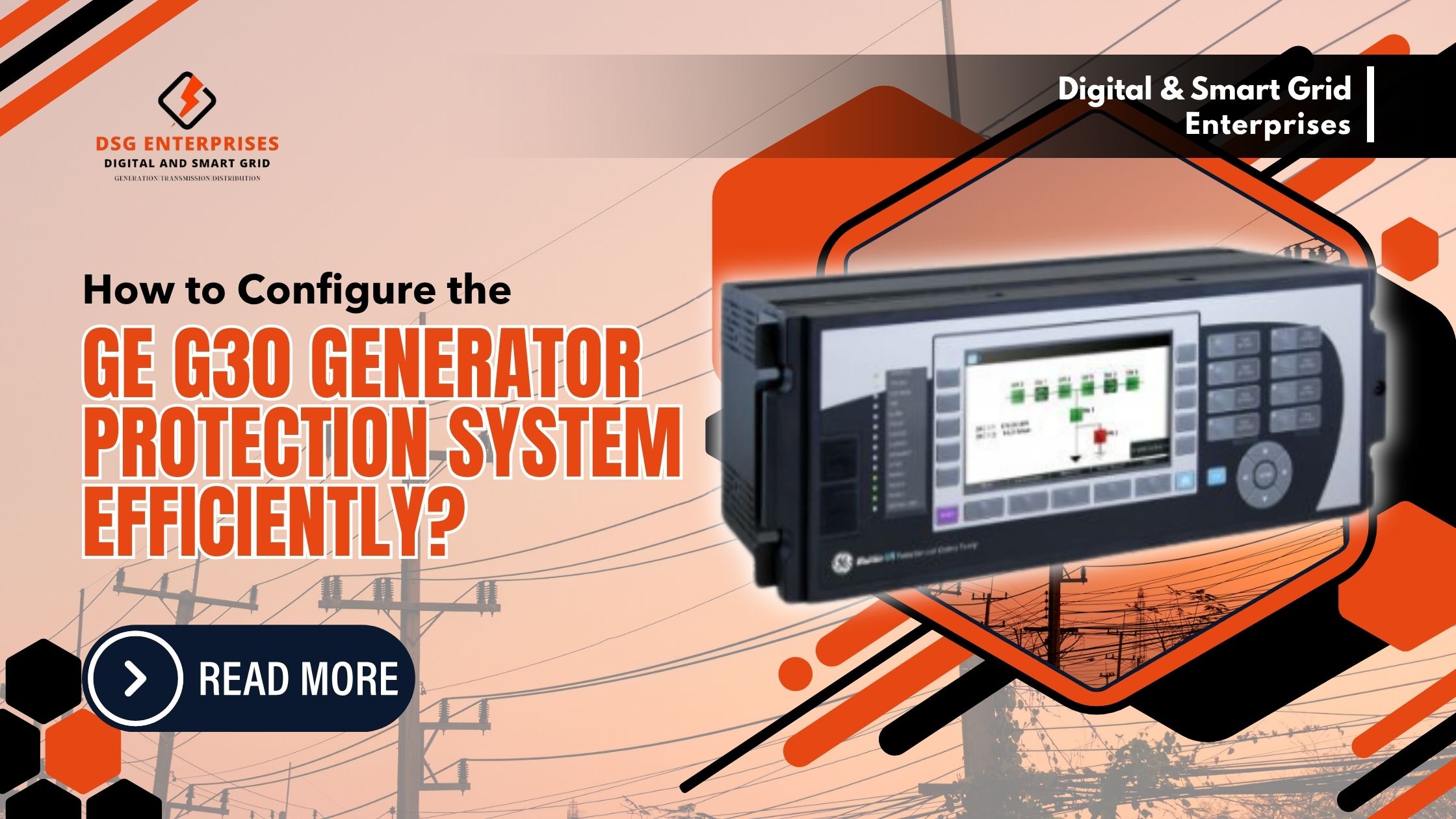
A generator trip caused by a misconfigured protection relay costs far more than just lost production. It risks equipment damage, failed compliance audits, and hours of root-cause investigation. That is why getting the GE G30 Generator Protection System configuration right from the very first setup session is one of the most critical tasks a protection engineer handles. The Alstom/GE G30 System is a proven numerical protection platform; however, its full capability only delivers value when it is configured correctly and completely.
This blog covers the full configuration workflow for the GE G30 Generator Protection System step by step. It addresses hardware orientation, Ener Vista UR Setup, CT/VT input configuration, protection element parameterization, Flex Logic programming, communication setup, and pre-commissioning testing.
Understanding The GE G30 Hardware Before You Begin
Before configuring the GE Generator Protection System, it is important to understand its hardware architecture. The relay is part of GE’s Universal Relay (UR) platform and features a modular, rack-mounted design with plug-in modules for measurement, control, and communication functions.
Key hardware components include:
- Slot A: Fixed CPU and power supply module
- Slots B–H: Field-replaceable modules for CT inputs, VT inputs, digital I/O, and communication interfaces
- Front panel: Local HMI display, USB connection port, and programmable status LEDs
Before launching EnerVista, verify the relay’s hardware order code against the project documentation. The order code defines the installed module configuration, and any mismatch can lead to setup errors. In addition, record the firmware version displayed on the front-panel LCD, as it determines the compatible EnerVista software version required for configuration and commissioning.
Installing ENVISITA, Your Setup, And Creating A Device File
The Alstom/GE G30 System is configured entirely through EnerVista UR Setup software. Install the version that matches your relay firmware exactly. Mismatched versions produce setting upload failures; always verify the firmware-software compatibility matrix from GE Grid Solutions before installation.
Once installed, create a new device file:
- Select File → New → UR Device
- Choose the G30 model from the device list
- Enter the relay firmware version as displayed on the front panel
- Select the module configuration matching your hardware slot assignments
- Save the file with a project-specific name before making any settings changes
In addition, configure communication parameters at this stage. The GE G30 Generator Protection System supports USB for local configuration and Ethernet or RS-485 for SCADA communication. Set the IP address, subnet mask, and gateway under Communications Network settings to match your substation network plan. Consulting a qualified GE G30 Protection System supplier at this stage helps avoid common network integration errors on first-time deployments.
Configuring CT And VT Input Parameters
Accurate CT and VT configuration is essential for the reliable operation of the GE G30 generator protection system. Incorrect ratios can create measurement errors, causing protection functions to operate incorrectly and increasing the risk of nuisance trips or missed faults.
In EnerVista, navigate to System Setup → CT/VT Module and configure the following:
CT Configuration
- Enter the CT primary rating (e.g., 1200 A for a 1200:5 CT)
- Select the secondary rating (1 A or 5 A)
- Configure the correct phase rotation (ABC or ACB)
- Enable the ground CT input if a neutral CT is installed
VT Configuration
- Enter the primary voltage in kV and the secondary voltage in volts
- Select the appropriate VT connection type (phase-to-phase or phase-to-neutral)
- Set the system frequency under System Setup → Frequency (typically 50 Hz in India)
Activating And Setting Generator Protection Elements
The GE G30 Generator Protection System provides a comprehensive range of protection functions that must be configured according to generator and grid requirements.
Key protection functions include the following:
- 87G Generator Differential Protection: Set IdMin to 0.10–0.20 pu, Slope 1 to 15–20%, and enable 2nd harmonic restraint at 15% to prevent false trips during energization.
- 40 Loss of Field: Configure Zone 1 at 1.0 pu of direct-axis synchronous reactance (Xd) and Zone 2 at 1.1 pu Xd with a 0.5-second delay.
- 46 Negative Sequence Overcurrent: Set the alarm threshold at 8% negative sequence current and apply the generator manufacturer’s I²t damage curve for tripping.
- 81 Over/Underfrequency: Configure underfrequency pickup at 47.5 Hz and overfrequency pickup at 51.5 Hz to meet grid code requirements.
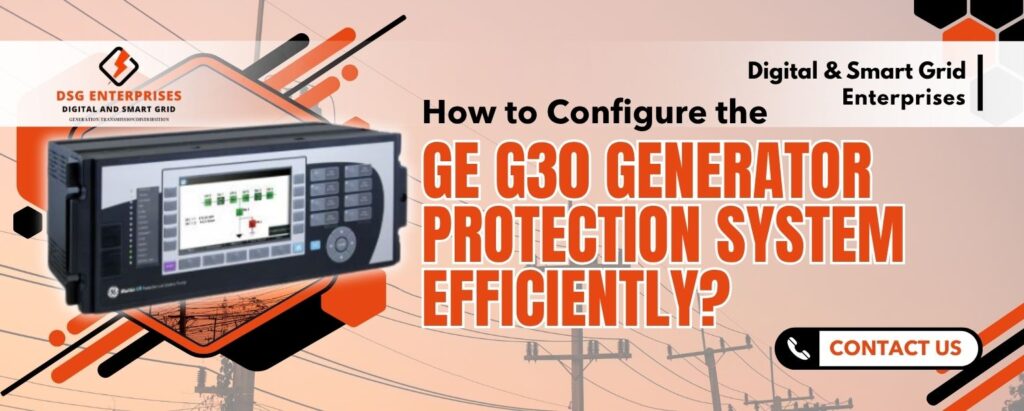
Setting Up FLEXLOGIC For Custom Control Schemes
One of the most powerful features of the GE G30 Generator Protection System is Flex Logic, GE’s built-in programmable logic engine. It enables engineers to create custom interlocking, control, and automation schemes using Boolean logic, timers, and latches without requiring an external PLC.
Common FlexLogic applications include:
- Breaker failure protection: Issues a backup trip if the breaker fails to operate within the specified time
- Auto-reclose blocking: Prevents reclose operations when trips are initiated by differential or loss-of-field protection
- Alarm grouping: Combines multiple alarm signals into a single annunciation output, reducing wiring and output usage
In addition, the EnerVista FlexLogic editor provides real-time error checking, helping engineers identify undefined operands and logic conflicts during configuration. This minimizes commissioning issues and improves engineering efficiency. Many experienced GE G30 Protection System suppliers also provide pre-configured FlexLogic templates for common generator applications, reducing project engineering time and simplifying deployment.
Configuring Communication And SCADA Integration
The GE Generator Protection System supports multiple communication protocols, allowing seamless integration with SCADA, DCS, and digital substation networks.
Communication configuration options include:
- IEC 61850: Editions 1 & 2 are recommended for digital substations. Configure the IED name, IP address, and GOOSE datasets under Communications IEC 61850
- DNP3: Commonly used in utility SCADA systems; map protection pickups, trips, and alarms to DNP3 data objects
- Modbus TCP/RTU: Widely used in industrial DCS applications; assign registers for metering values and status indications
In addition, configure SNTP time synchronization under Communications → SNTP to synchronize the relay clock with the plant time server. Accurate time synchronization ensures precise event records and oscillography timestamps, which are essential for fault analysis and system diagnostics. Communication module selection can also influence the overall GE Protection System cost, particularly for IEC 61850-enabled configurations.
Pre-commissioning testing and settings verification
Before energizing the generator, all configuration settings must be independently verified. The Alstom/GE G30 System uses EnerVista and front-panel built-in test capabilities to assist with the entire pre-commissioning check.
Follow this verification sequence:
- Print all settings from EnerVista and cross-check every parameter against the approved protection coordination study
- Use the front panel test mode to inject simulated current and voltage values; verify each element picks up at the expected threshold.
- Test each FlexLogic scheme by forcing input states through EnerVista’s online monitoring window; verify output contacts operate correctly.
- Inject secondary currents through physical test terminals using a relay test set; verify trip times against the coordination curves.
- Confirm all mapped SCADA points change state correctly during relay operations; verify timestamp accuracy against SNTP reference.
Furthermore, document every test result in the commissioning record. A qualified GE G30 Protection System supplier or project engineer signs off before the relay enters service. Procurement teams comparing GE G30 Protection System prices across suppliers should verify that commissioning support and FAT/SAT documentation are included in the quoted scope; these are mandatory deliverables under most EPC contracts.
Conclusion
Configuring the GE G30 Generator Protection System efficiently requires a structured approach from hardware verification and CT/VT input setup through protection element parameterization, Flex Logic programming, communication integration, and pre-commissioning testing. Each step builds directly on the previous one; skipping any stage introduces risk that surfaces only under fault conditions. The Alstom/GE G30 System rewards methodical configuration with a generator protection platform that performs reliably across the full operational life of the machine.
For procurement teams evaluating the GE G30 Protection System price and sourcing options, working with an experienced GE G30 Protection System supplier ensures genuine hardware, current firmware, and qualified engineering support. Reliserv Solution supplies GE Grid Solutions protection relays across India with full technical assistance for configuration, commissioning, and maintenance. Contact our team today to discuss your generator protection requirements and get a project-specific quotation.
At Digital & Smart Grid Enterprises, we provide expert support for the GE Generator Protection System, helping you achieve efficient configuration, reliable generator protection, and seamless integration with your power system. Our technical specialists assist with relay selection, setup, commissioning, and optimization to ensure maximum performance and equipment safety. Click here to inquire about the latest GE G30 Generator Protection System price or discuss your generator protection and configuration requirements. Contact us at +91 7021624024 or email info@dsgeneterprises.in. Optimize your generator protection system with confidence. Connect with our specialists today.